Browse & edit
Make yourself at home
in your data.
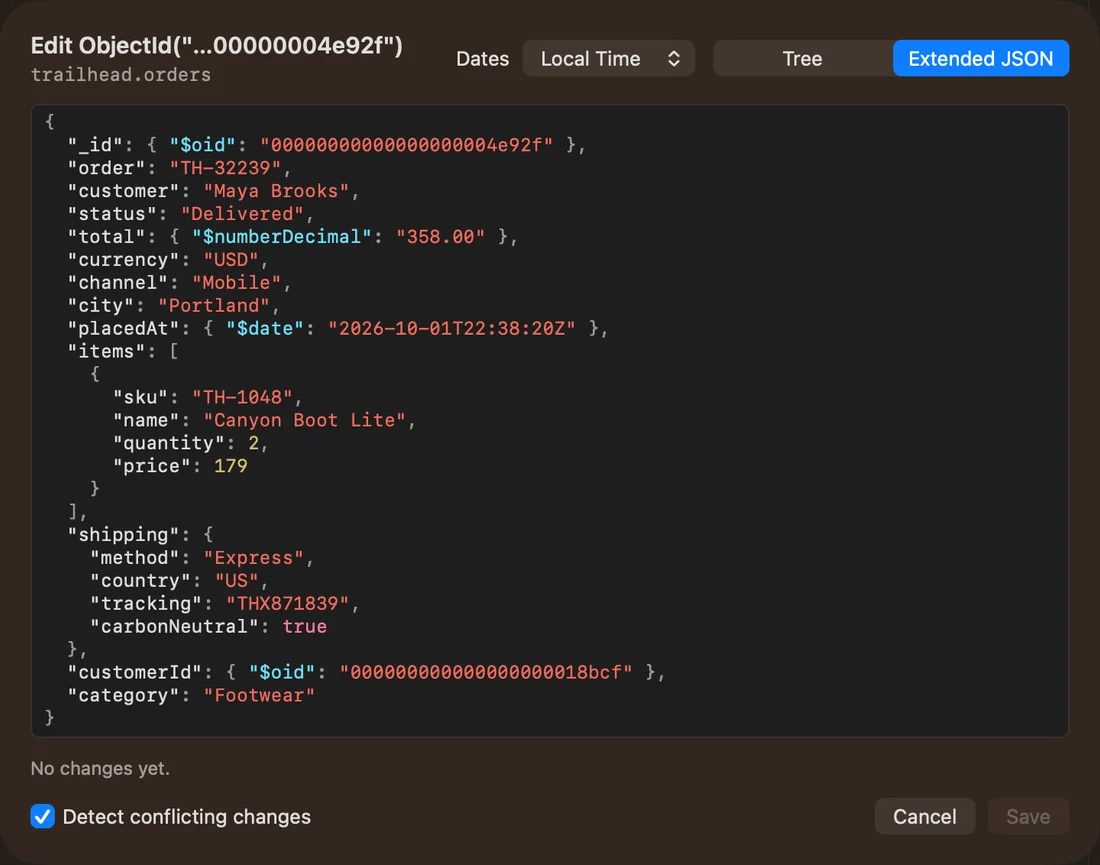
Table, tree, or JSON. Explore documents your way, edit with confidence, and see exactly what changes before you save.
Explore browsing & editing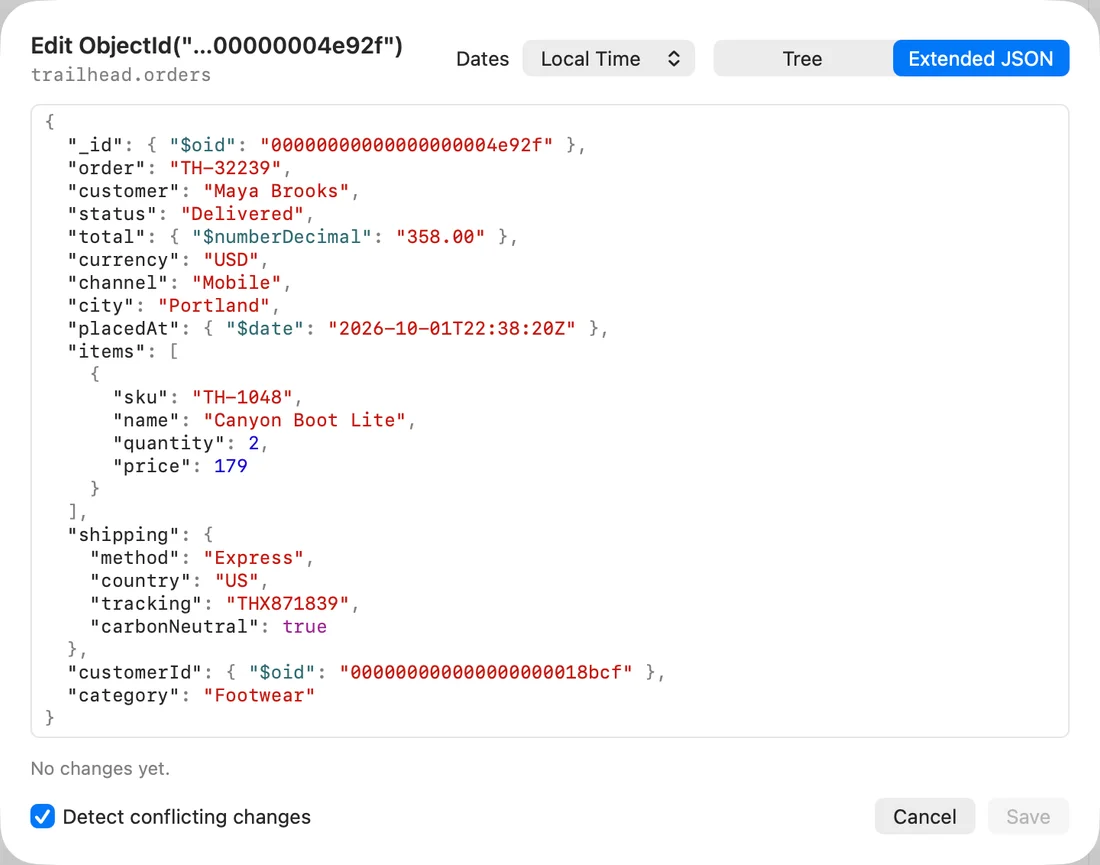
Get to know your data. Write your next query.
Give your AI a helping hand. All in one beautifully native app.
$29.99 USD · One-time purchase · No subscription
Coming soon · macOS 15+ · Apple silicon & Intel
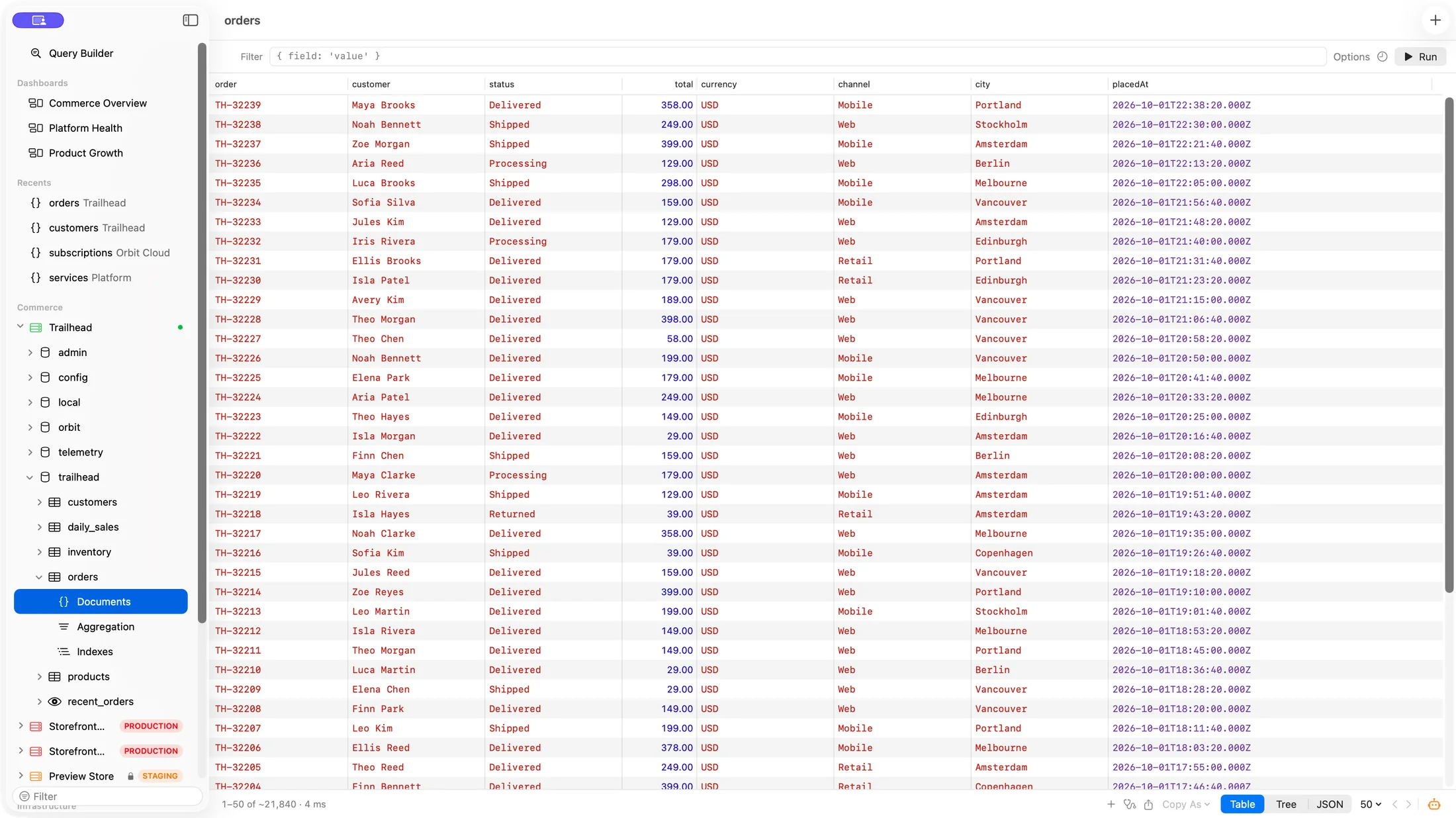
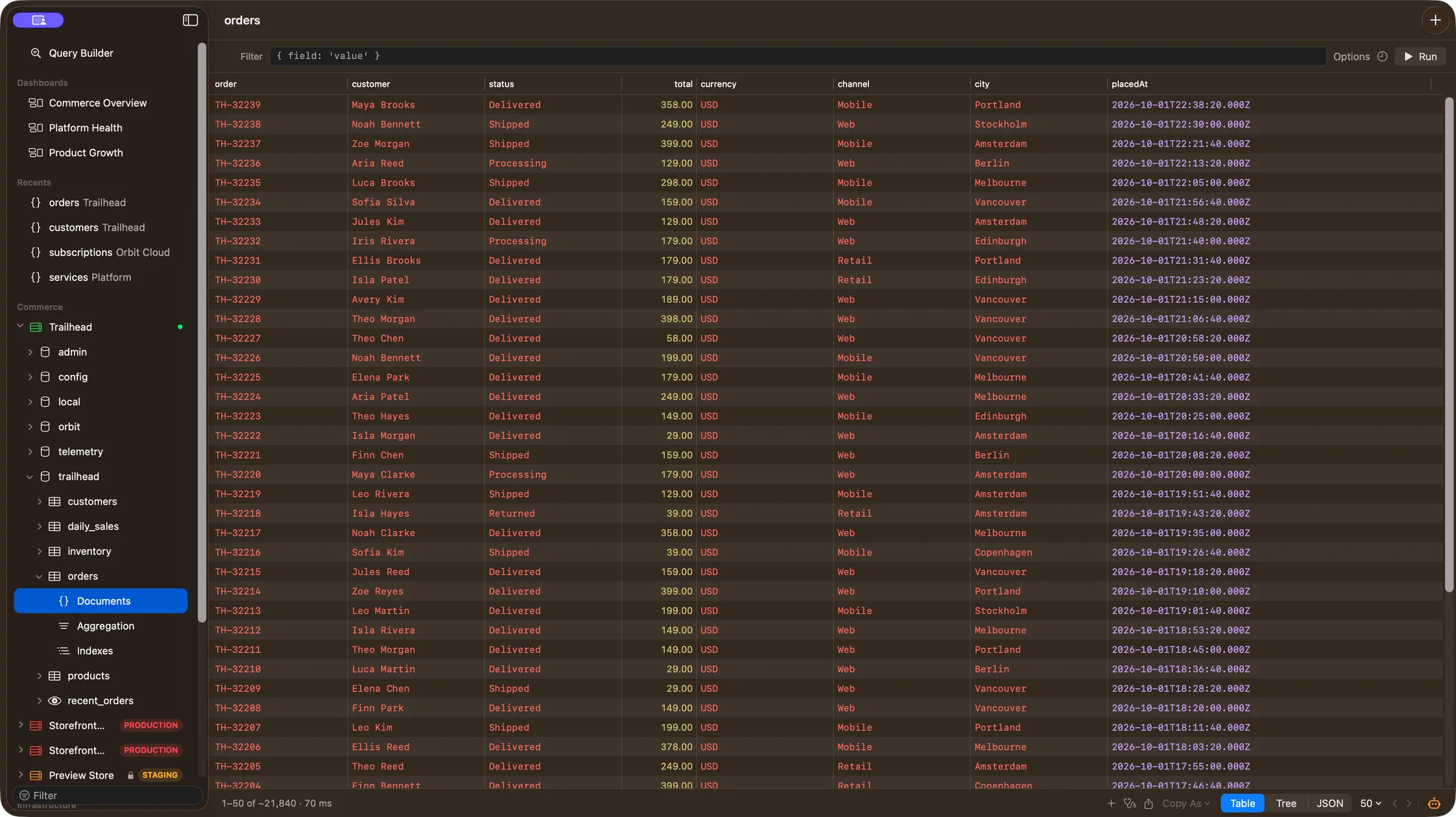
The real Bison app, with sample data. Made for the way you work.
Less friction. More understanding.
From a quick look at a document to that query you finally get right.
A thoughtful workspace for your everyday MongoDB work.
Browse & edit
Table, tree, or JSON. Explore documents your way, edit with confidence, and see exactly what changes before you save.
Explore browsing & editingQuery & aggregate
Write familiar shell queries, run JavaScript, and build pipelines with per-stage previews. Explain plans help you see what’s slowing you down.
Explore queries// A little question. A useful answer.
db.orders.aggregate([
{ $match: { status: "paid" } },
{ $group: {
_id: "$category",
revenue: { $sum: "$total" }
} }
])Dashboards
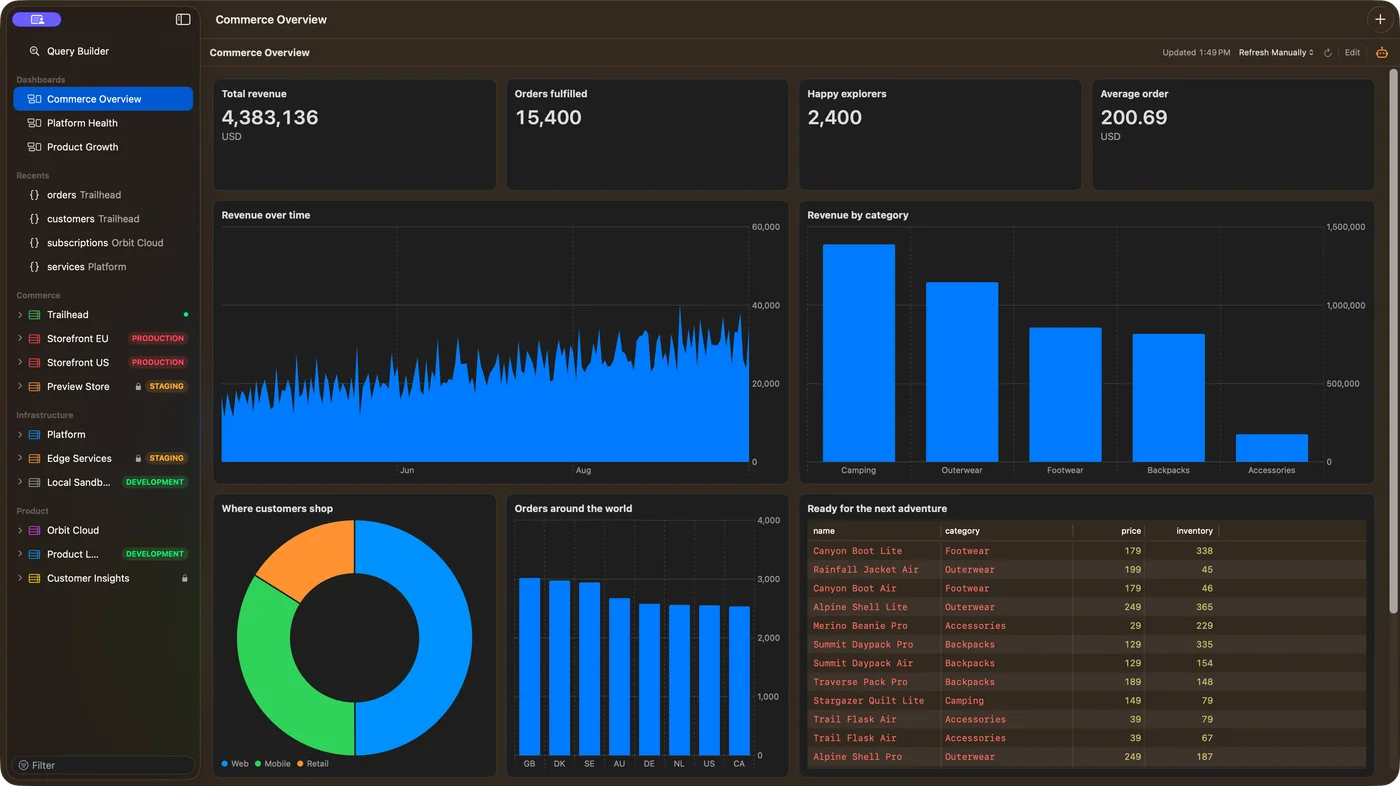
Turn saved queries into charts, tables, and numbers. Share dashboards as plain JSON files that fit right into your team’s Git workflow.
Explore dashboards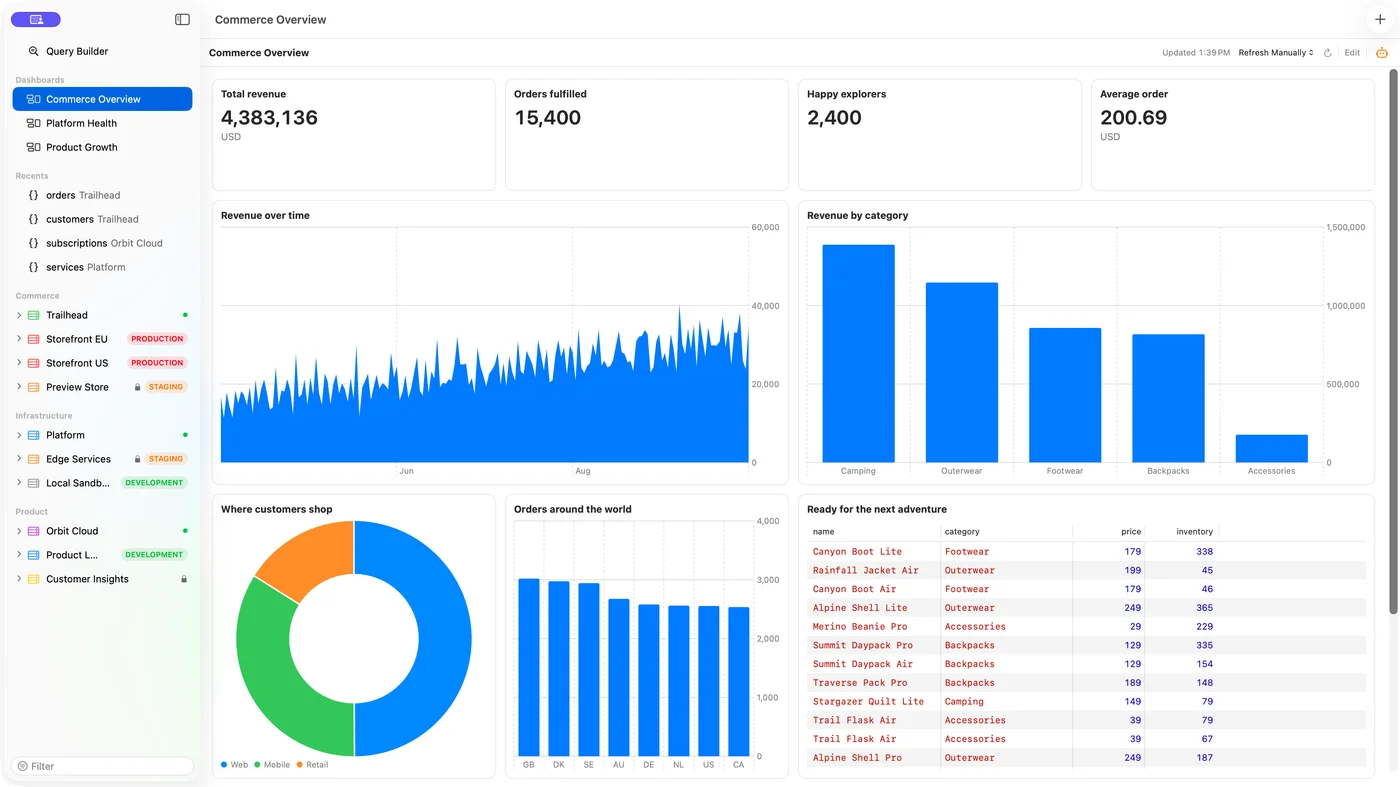
AI, with boundaries.
Let your coding agent work with your MongoDB data through Bison’s built-in MCP server. Give it the context it needs, with permissions you decide.
A Mac app, through and through.
Built with SwiftUI and AppKit, Bison feels familiar from the first click. Thoughtful keyboard controls, light and dark modes, and VoiceOver support make it your kind of workspace.
Keep Int64, Decimal128, dates, and field order exact, from the first read to the final export.
Local MongoDB, Atlas, or behind an SSH tunnel. Built-in TLS and SSH support keep setup in one place.
Production warnings, read-only connections, and a diff before you save. Know what will change.
Your Mac’s secure credential storage keeps connection passwords out of plain-text settings.
A few more things.
Getting to know Bison.
Bison is a native MongoDB client for macOS. It brings document browsing and editing, queries, aggregation pipelines, dashboards, and permissioned AI agent access into one Mac app.
Bison requires macOS 15 or later and supports both Apple silicon and Intel Macs. It is built with SwiftUI and AppKit, with support for light and dark appearances, keyboard navigation, and VoiceOver.
Yes. Connect with a mongodb:// or mongodb+srv:// URI, or use the connection form. Bison supports MongoDB Atlas, SCRAM authentication, custom TLS settings, and built-in SSH tunnels with password or key authentication.
No. All database browsing, editing, queries, pipelines, and dashboards work independently of AI. Agent access is optional and controlled separately for each connection.
Bison includes an MCP server for clients such as Claude Code, Claude Desktop, and Cursor. You set the access level for each connection, limit which databases are available, redact fields, and review write requests. Agent requests are recorded in an audit log. Data you allow an agent to read is subject to that agent provider’s data policies.
Bison will cost $29.99 USD as a one-time purchase. No subscription. It is still in development, with early access planned through the Mac App Store. A release date has not been announced yet.

A better place for your data.
Bison is on its way. We’re putting the finishing touches
on a more thoughtful way to work with MongoDB.